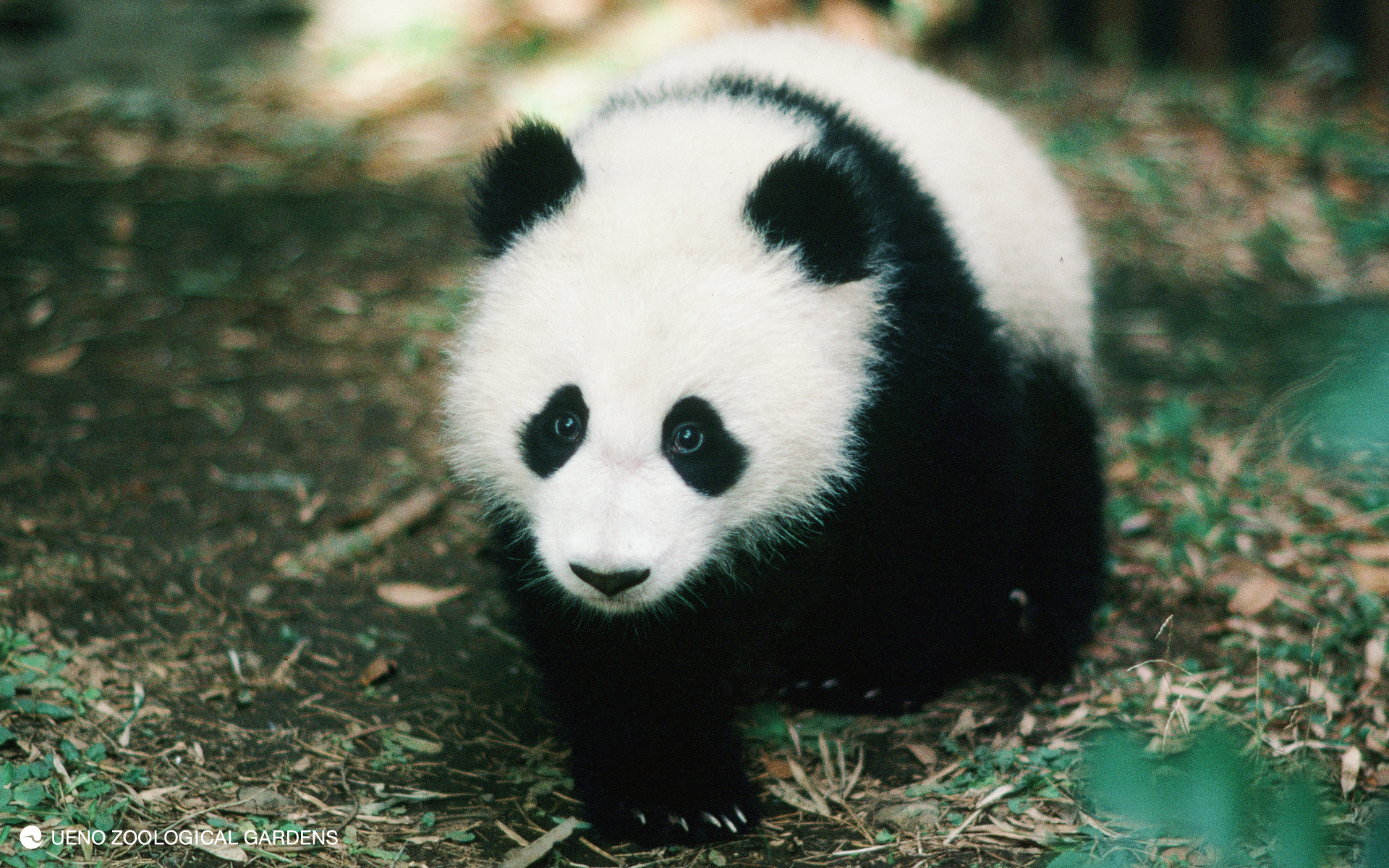
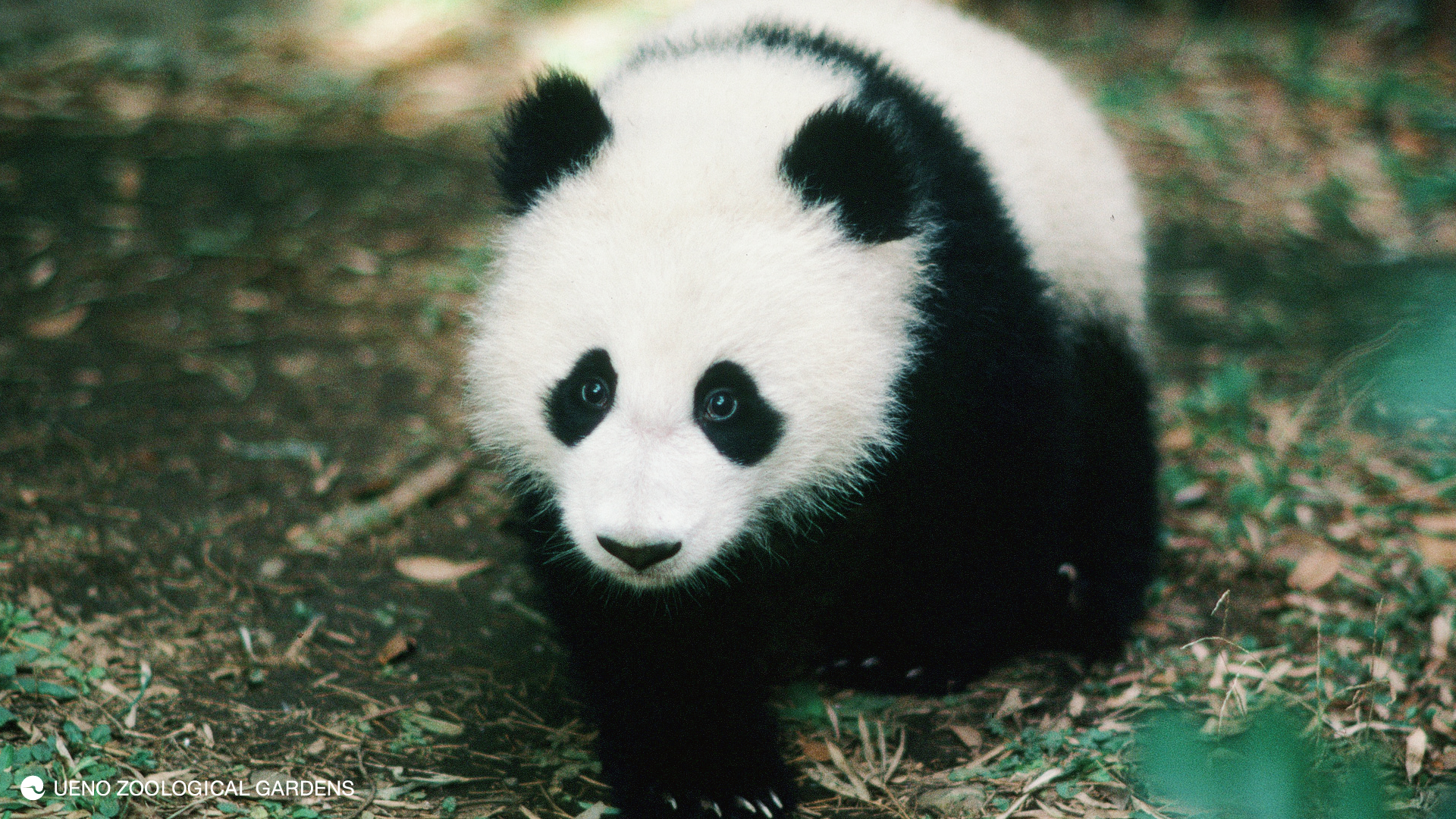
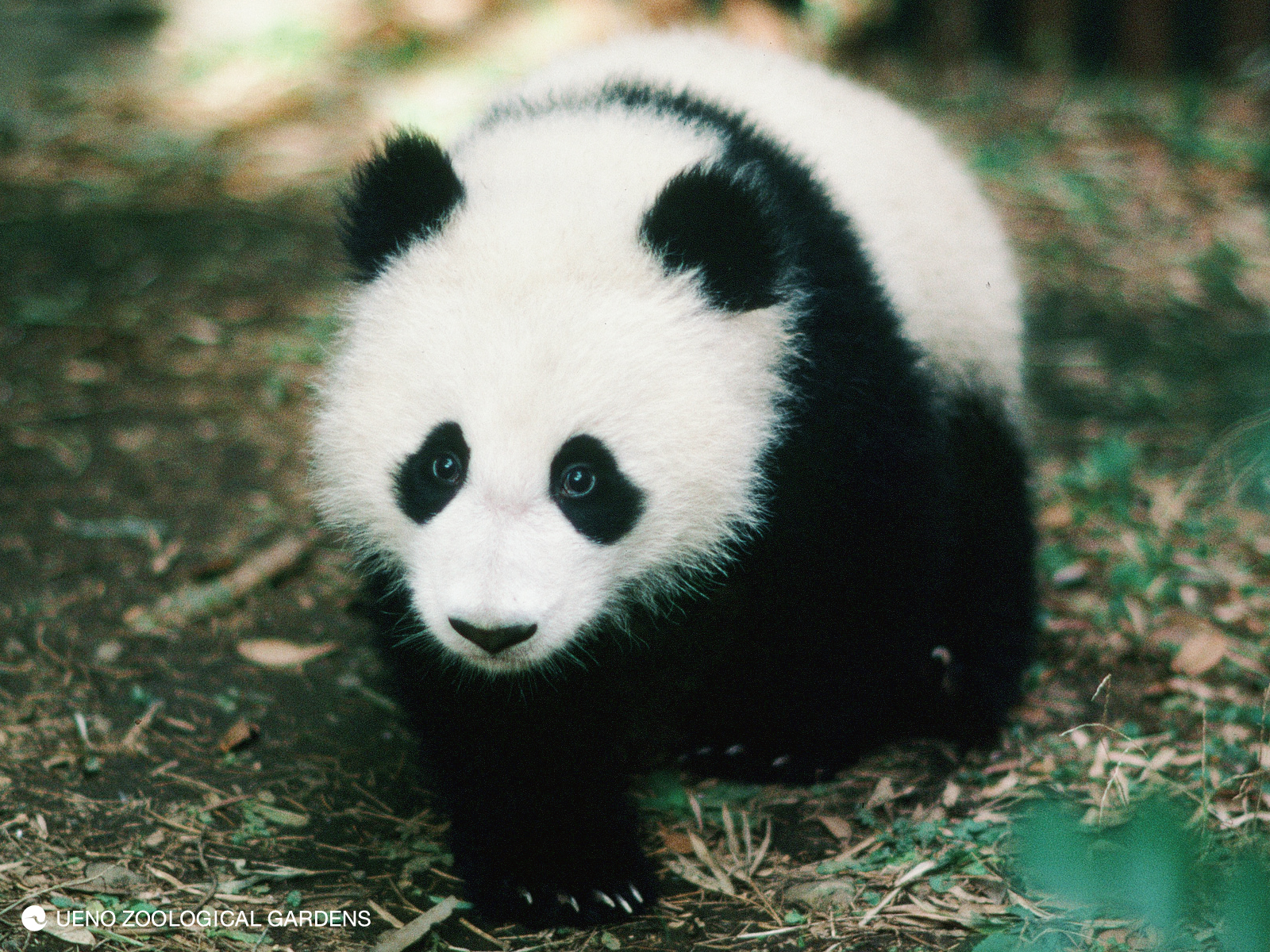
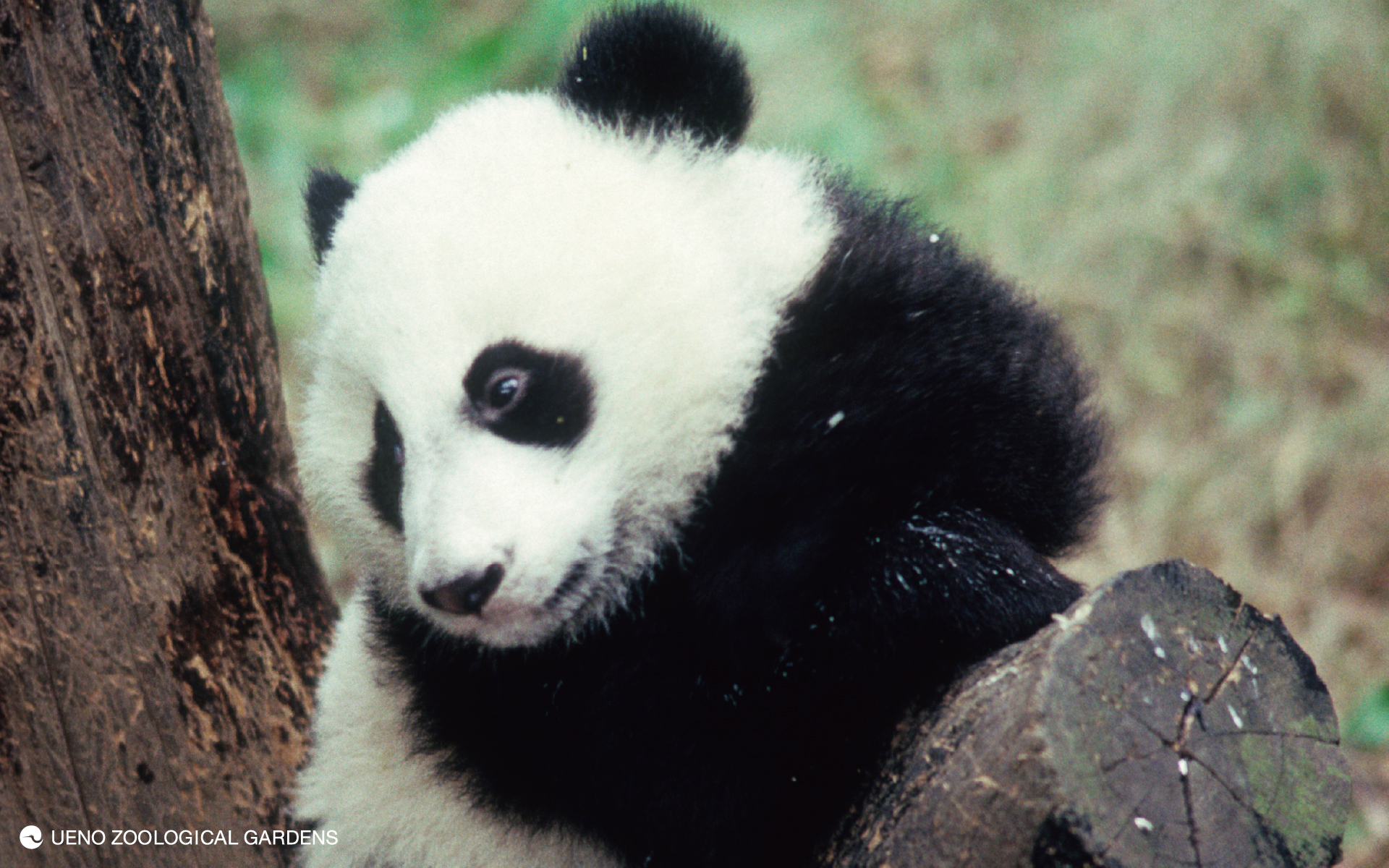
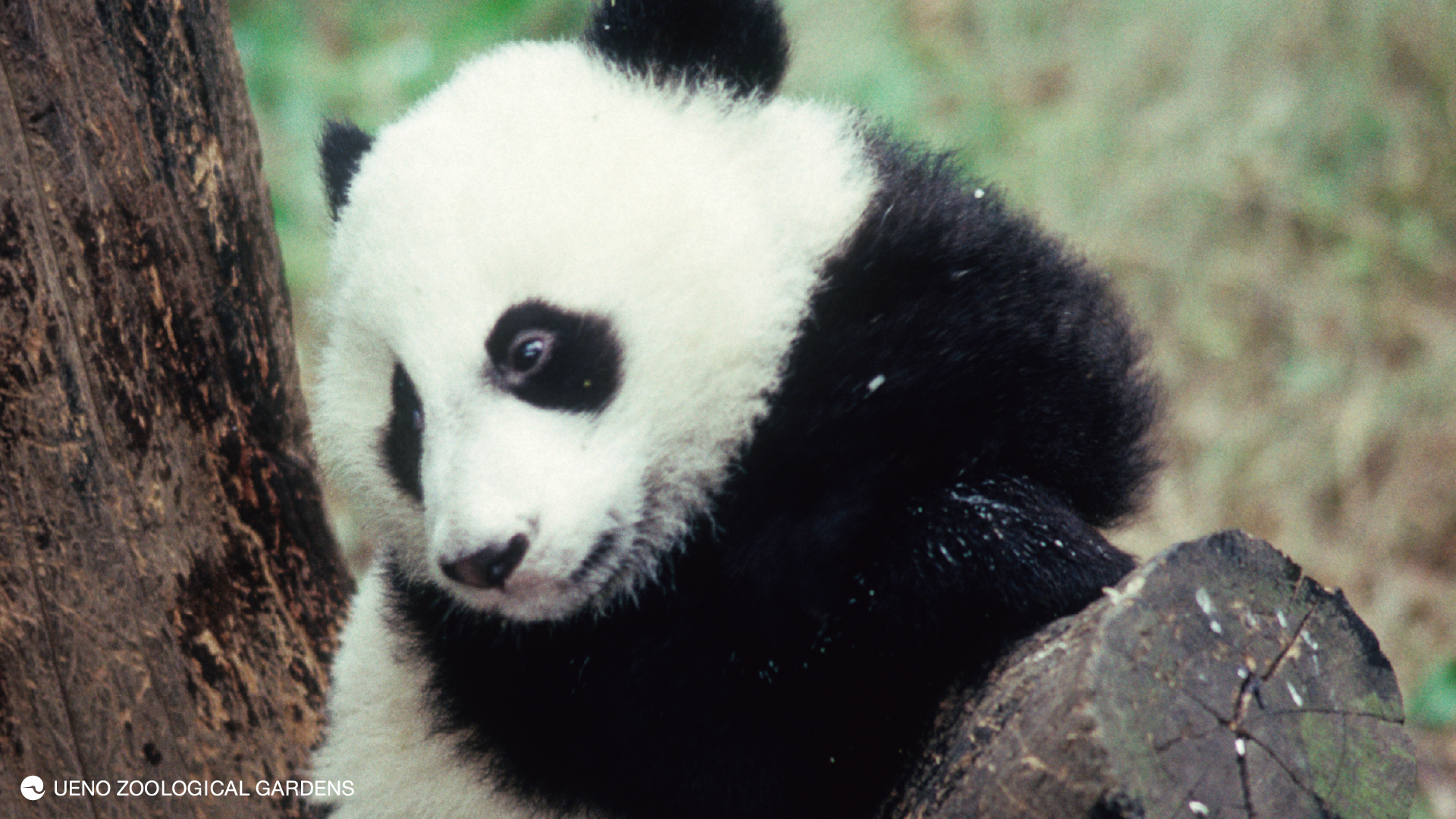
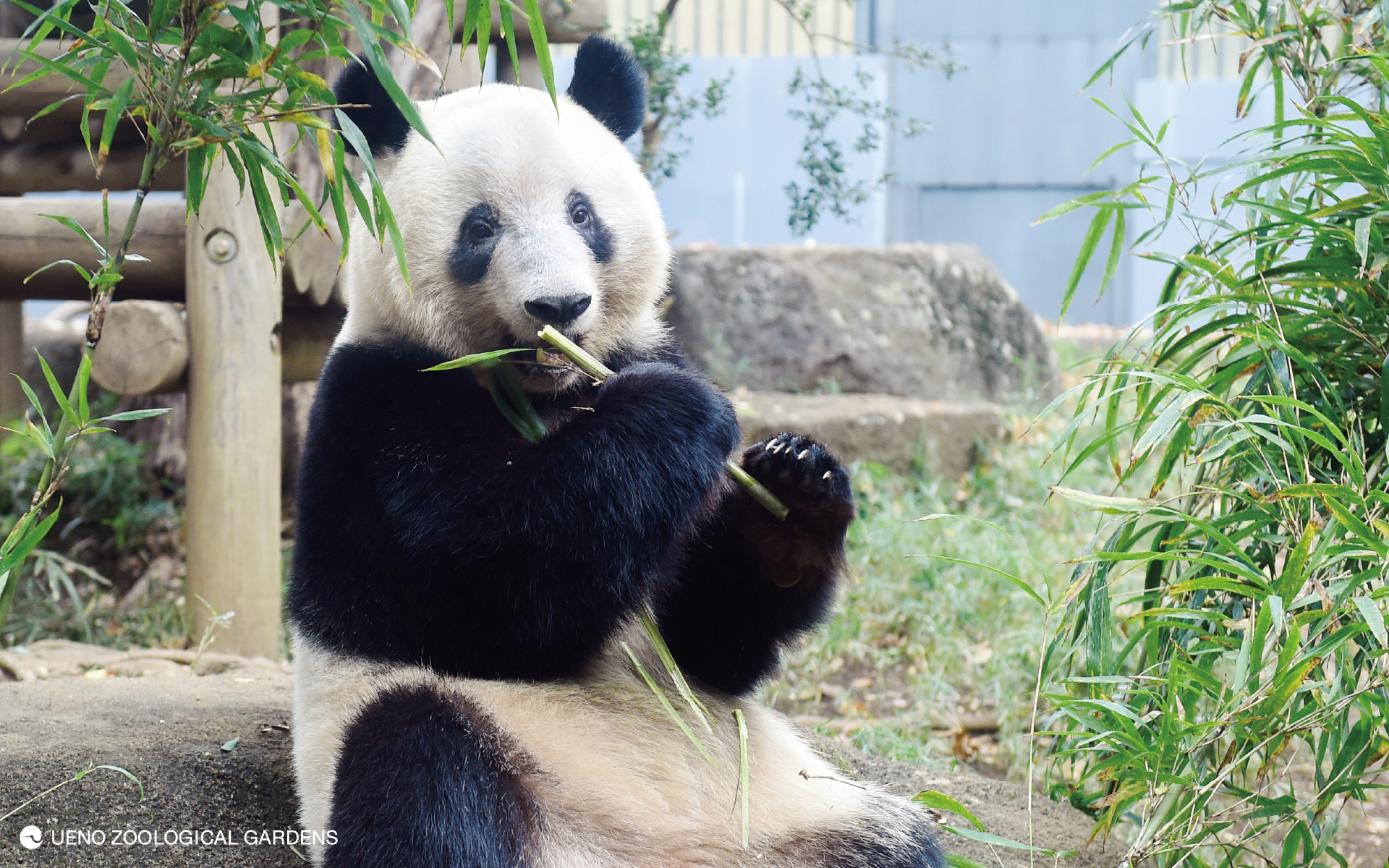
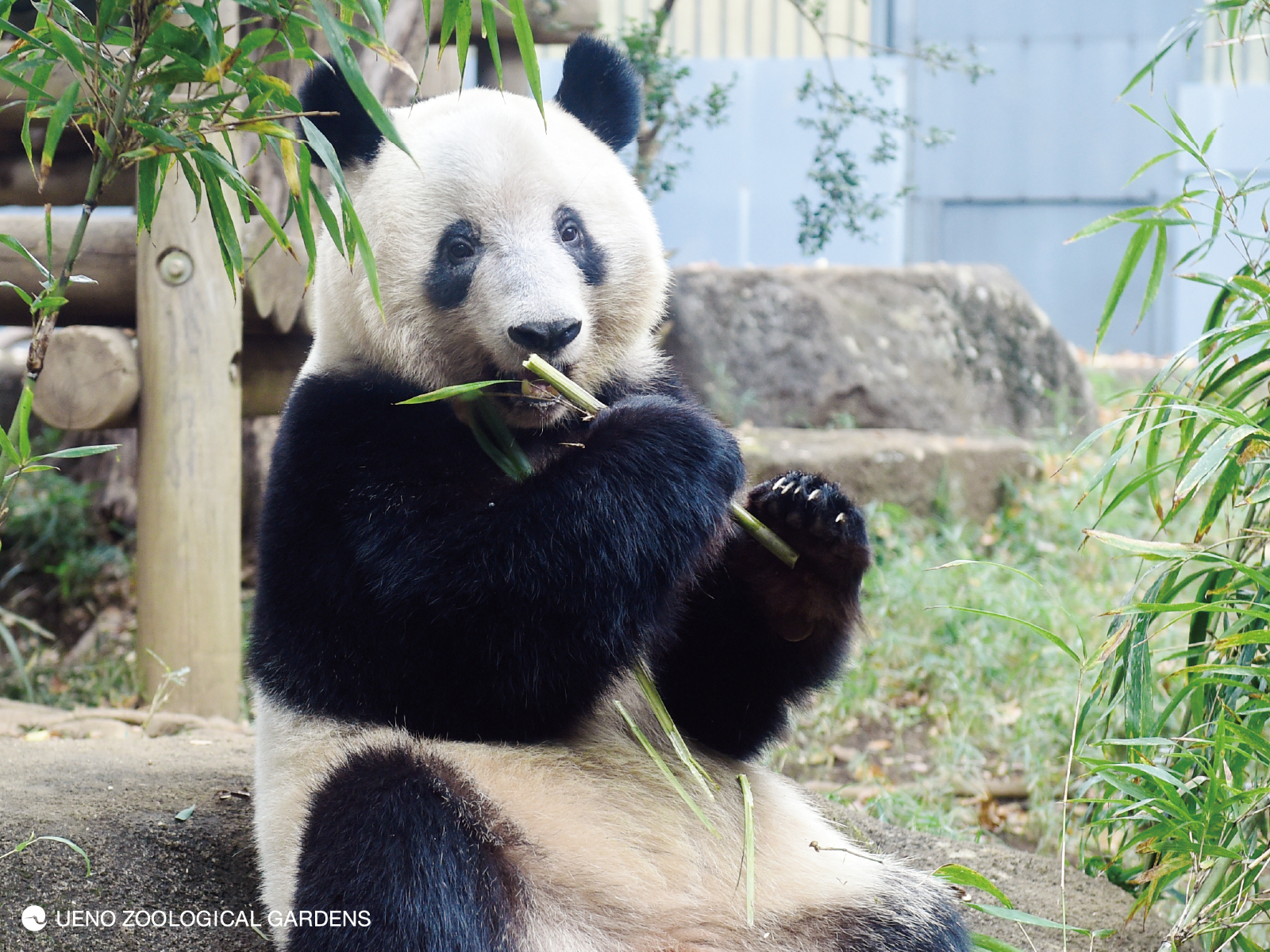
In June 2022, Giant Panda born at Ueno Zoo will celebrate their birthdays.
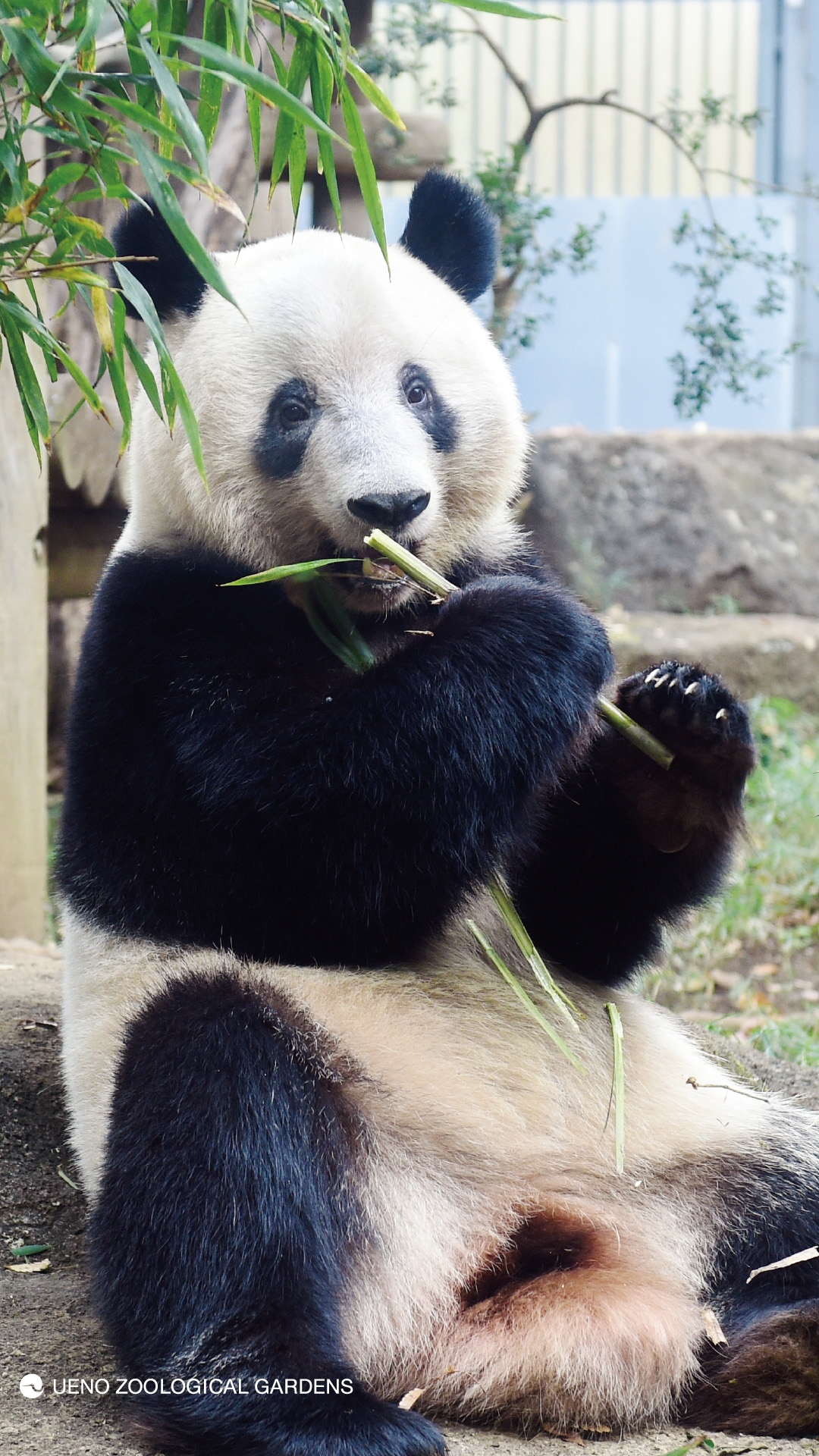
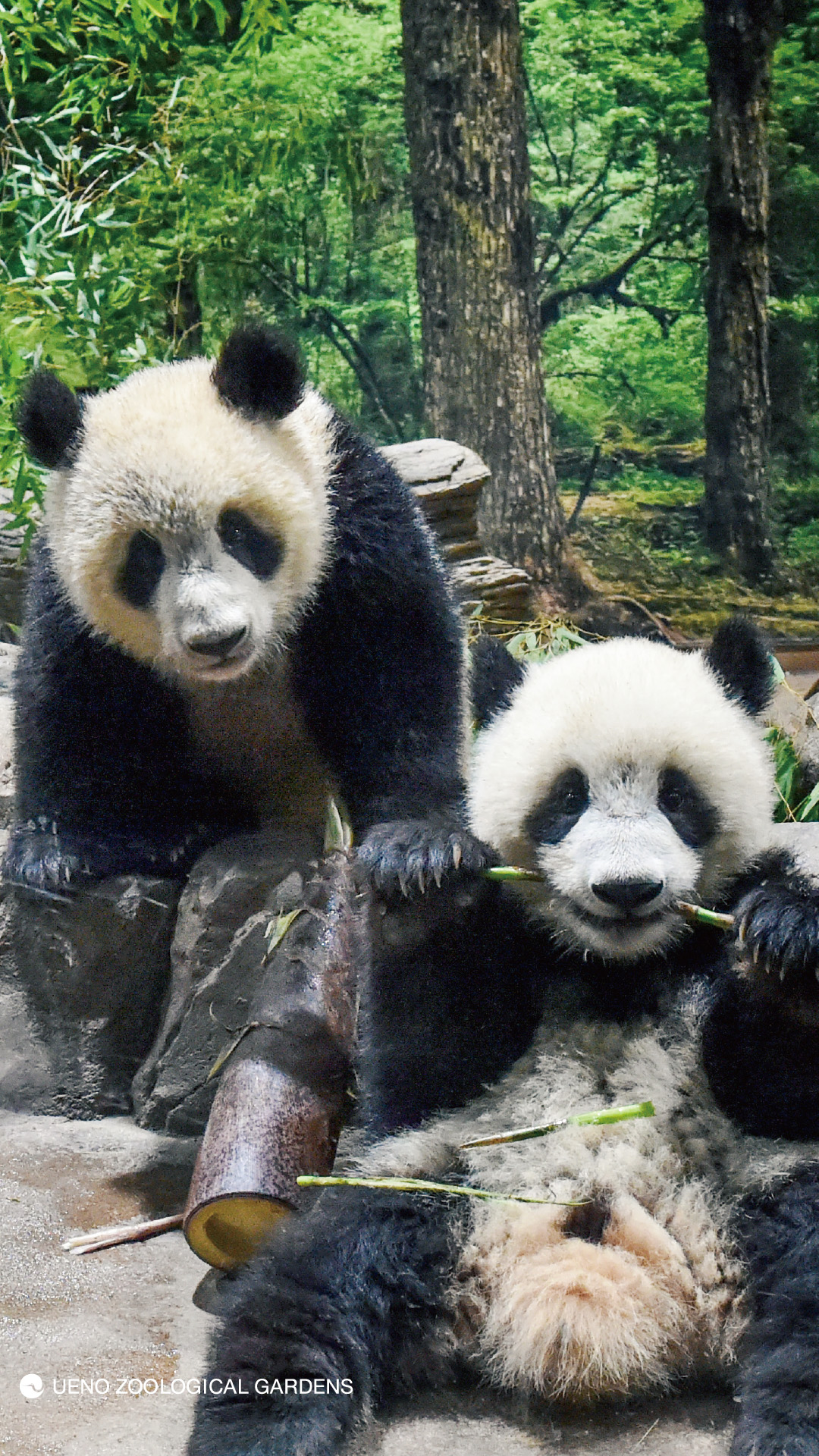
Xiang Xiang, born in 2017, will turn 5 years old on June 12th, while Xiaoxiao and Leilei, born in 2021, will turn 1 year old on June 23rd!
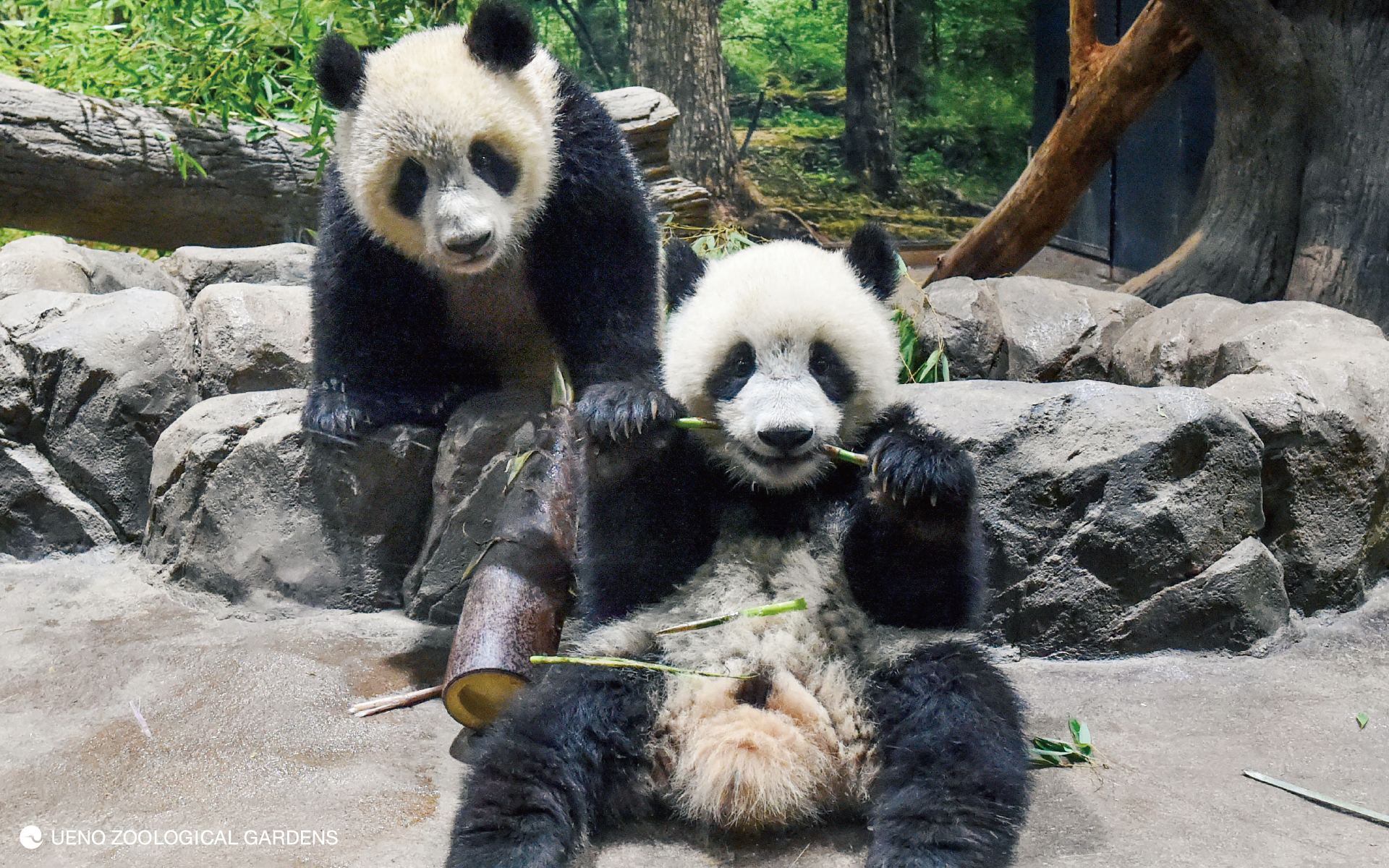
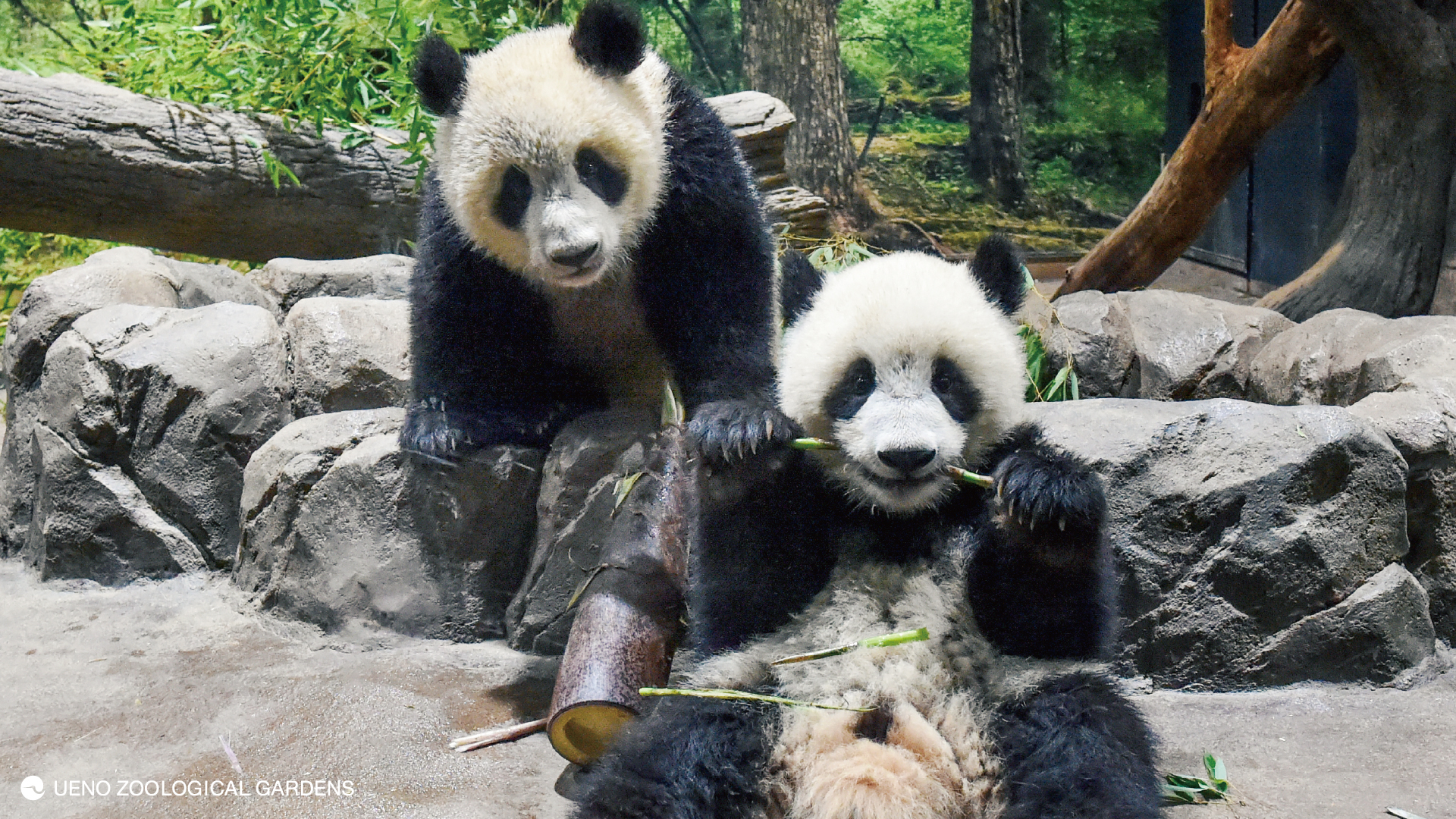
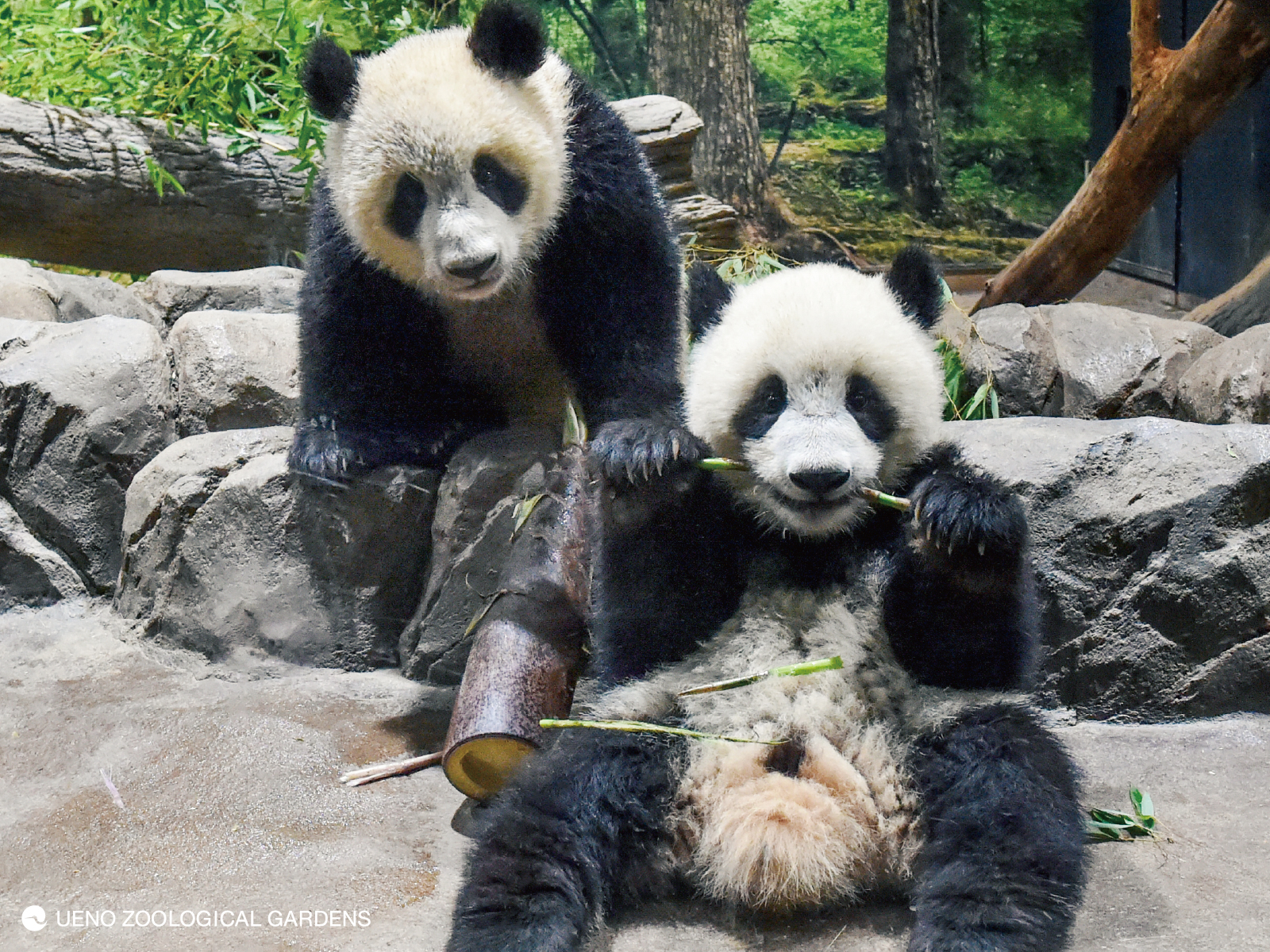
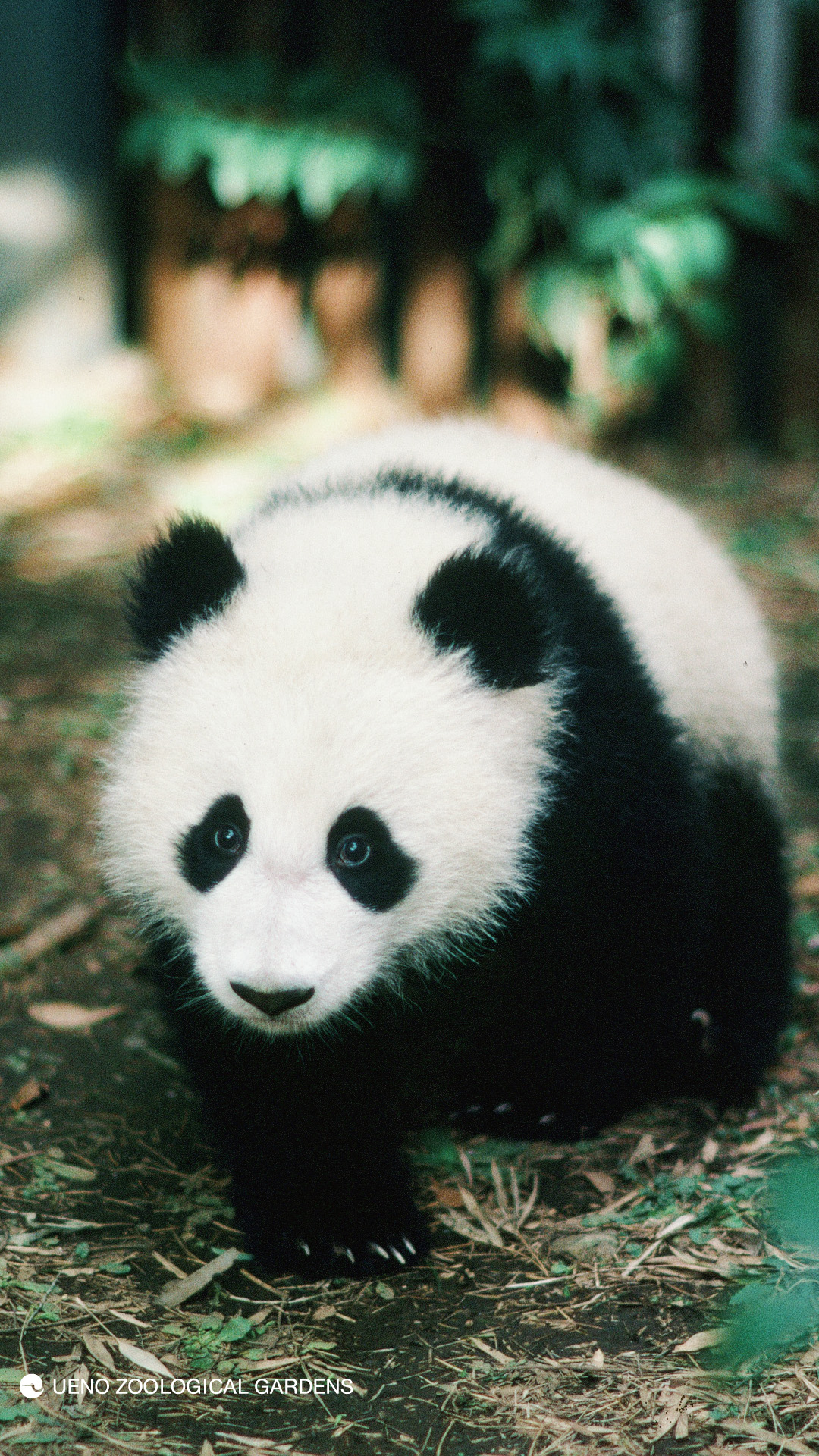
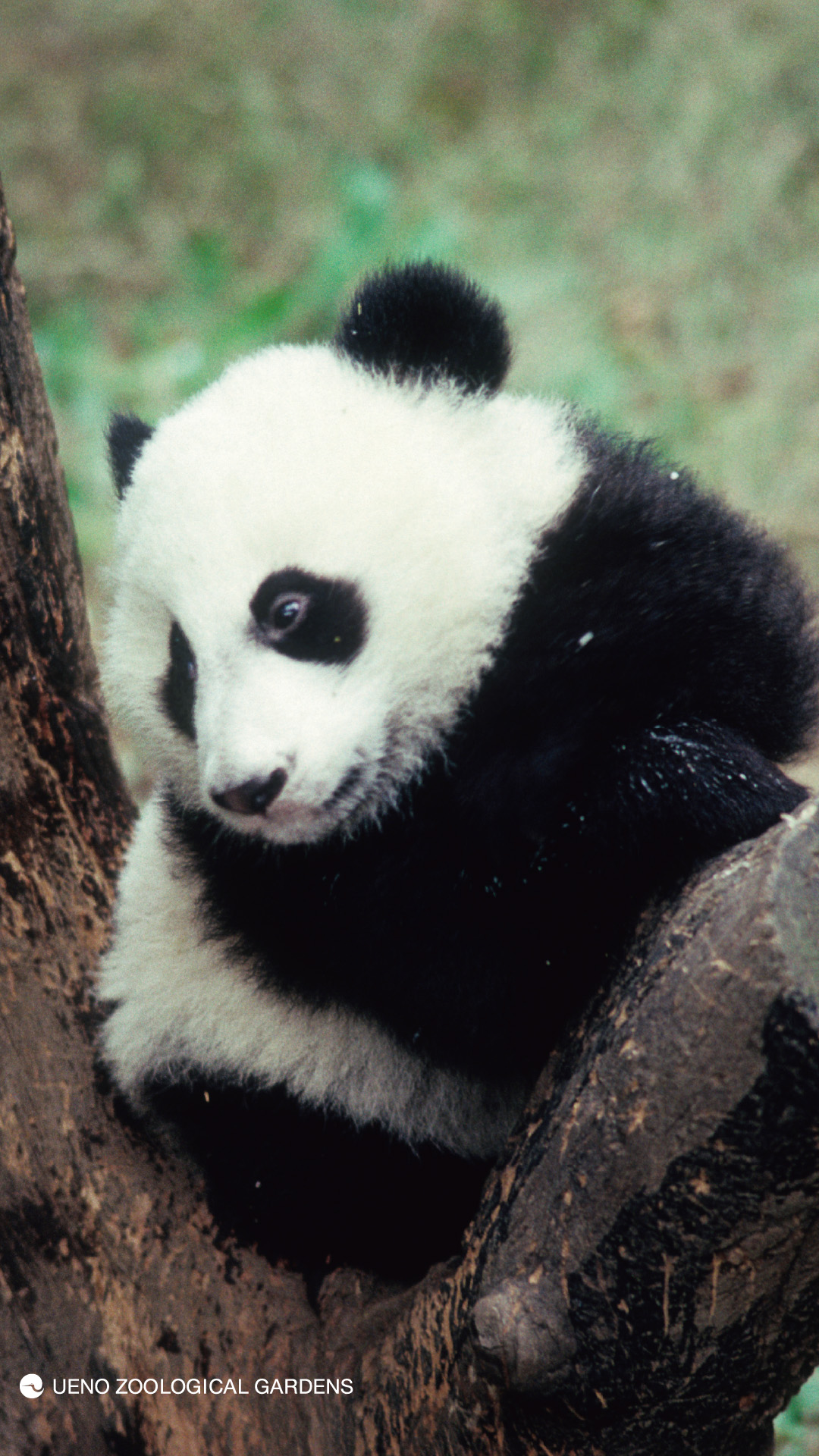
To express our gratitude to everyone who always supports Giant Panda at Ueno Zoo, we are giving away wallpapers that you can use on your computer or Kawakawa. The wallpapers feature the same photos as those used at the "Commemorative Photo with Giant Panda" photo spot located inside the zoo. Even if you are unable to visit the zoo, please enjoy celebrating the pandas' birthday at home!
Please note that the use of these images is limited to personal, non-commercial purposes only.
Download Giant Panda wallpapers
Please click/tap the appropriate size number for your device to download the image. The unit is pixels. Note that you should click/tap the size below the image, not the image itself.
Please note that depending on your device, the image may not be usable at its original size.
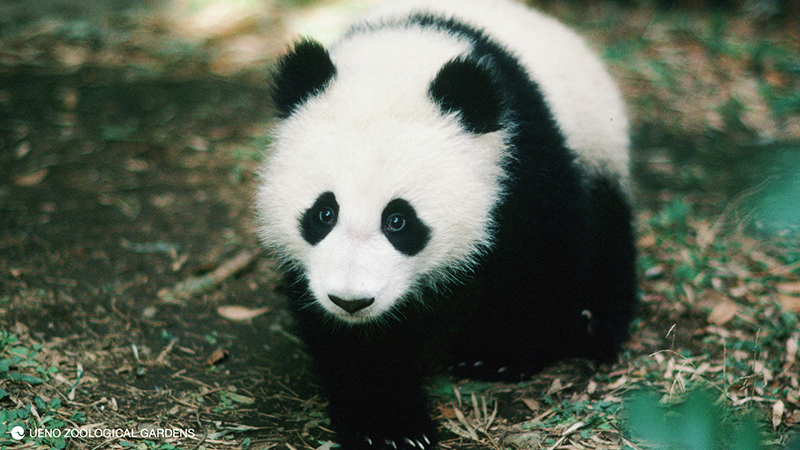
Ton TonFor PC
1920x1200
1920x1080
1600x1200
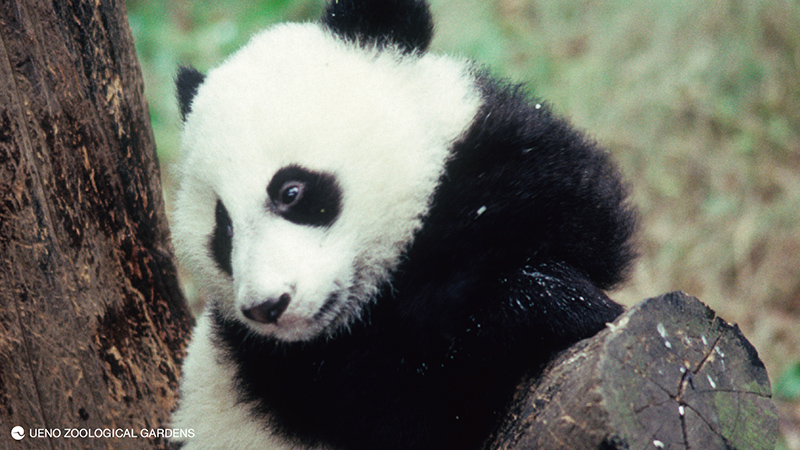
YuuyuFor PC
1920x1200
1920x1080
1600x1200
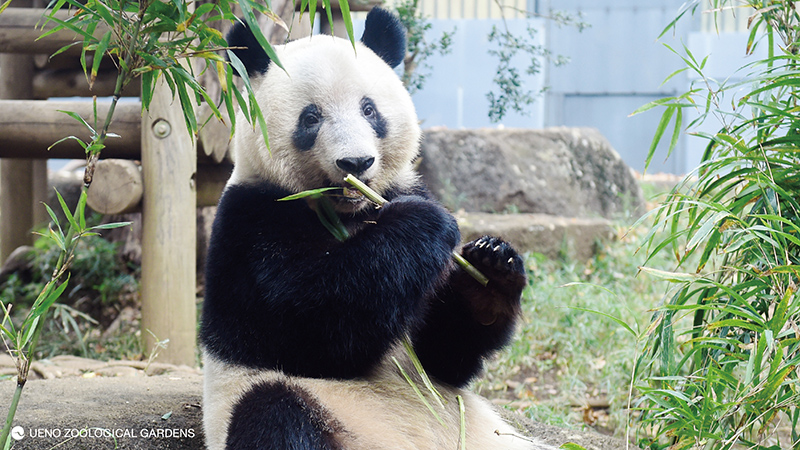
ShanshanFor PC
1920x1200
1920x1080
1600x1200
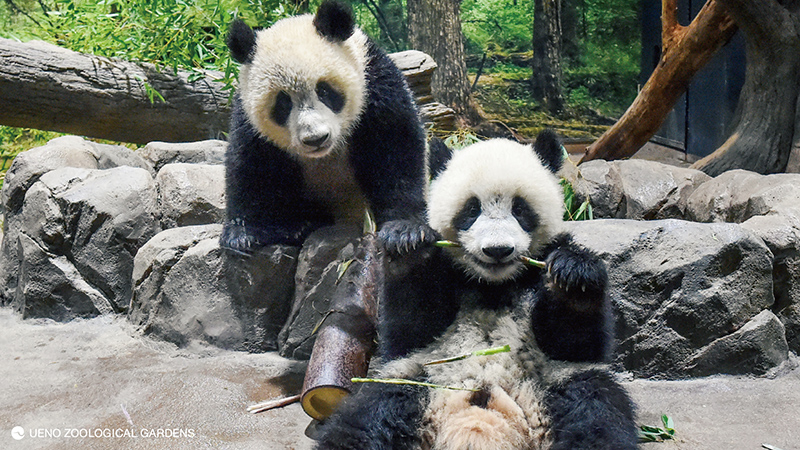
Left: Lei Lei, Right: XiaoxiaoFor PC
1920x1200
1920x1080
1600x1200
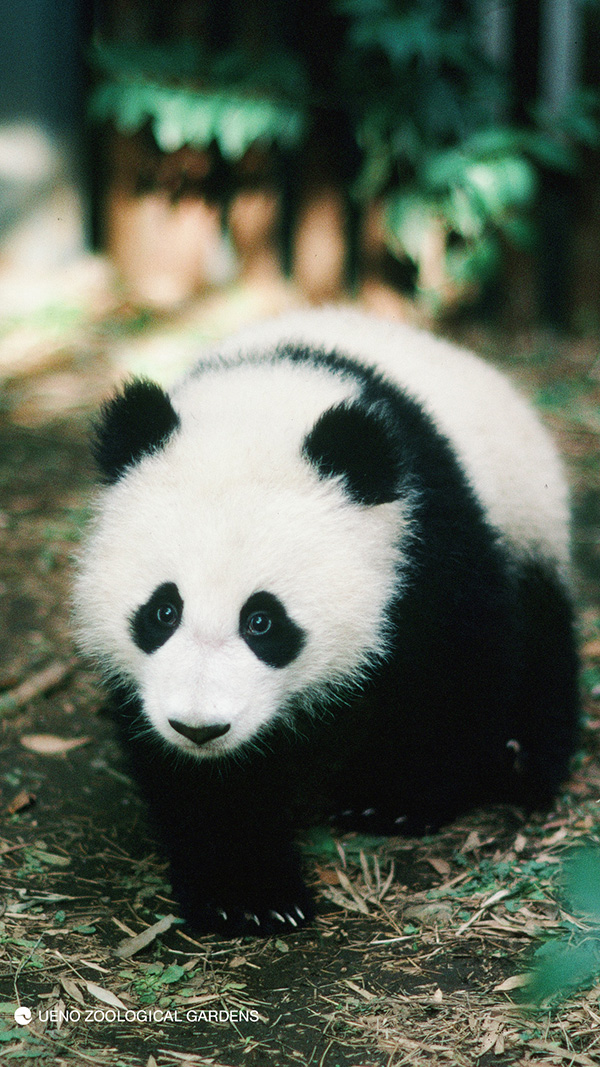 | | 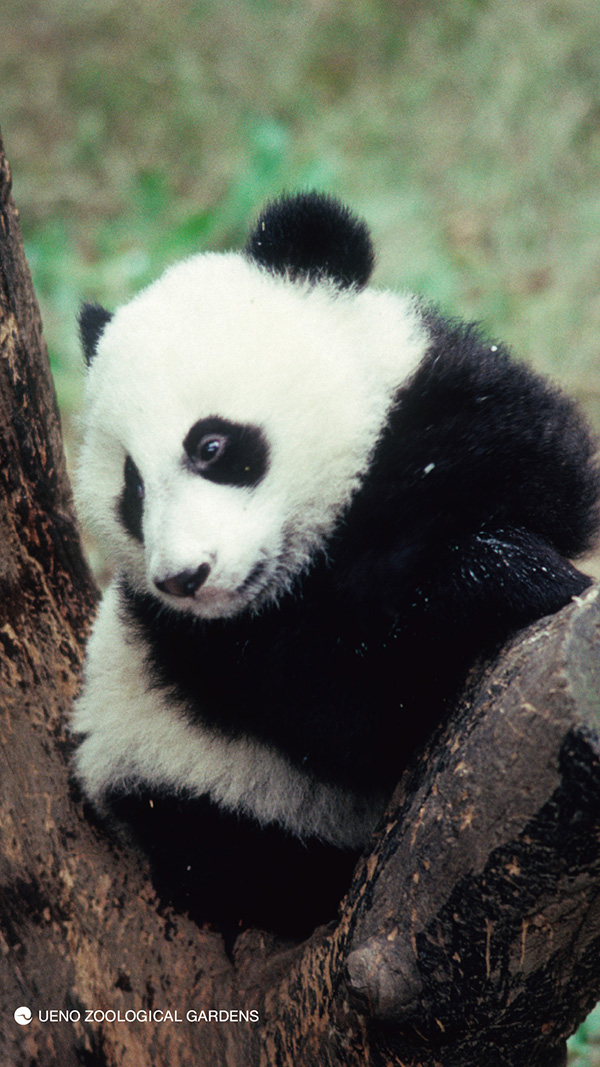 | | 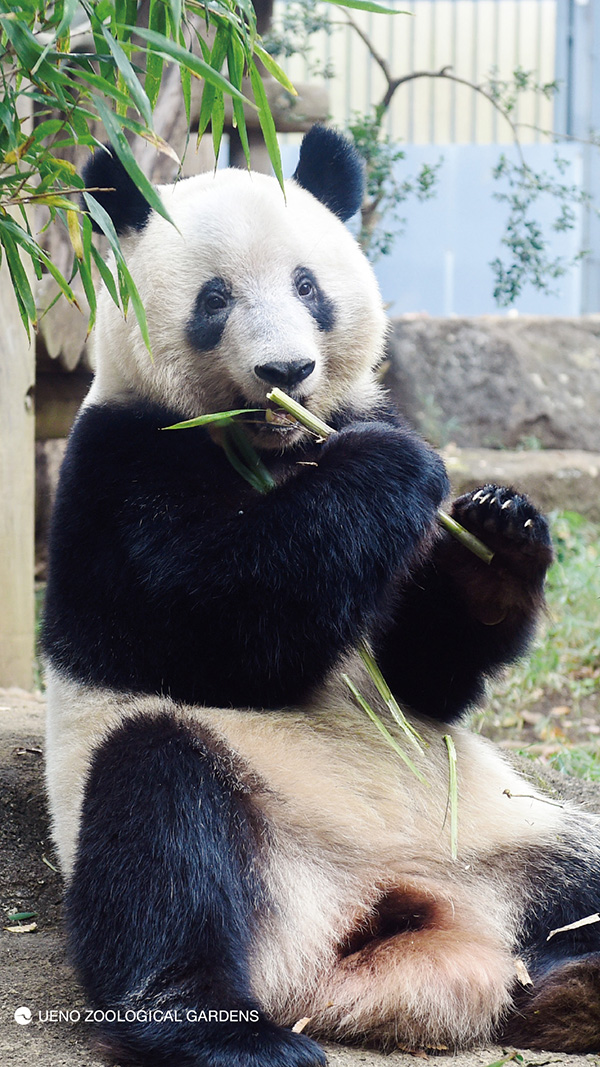 | | 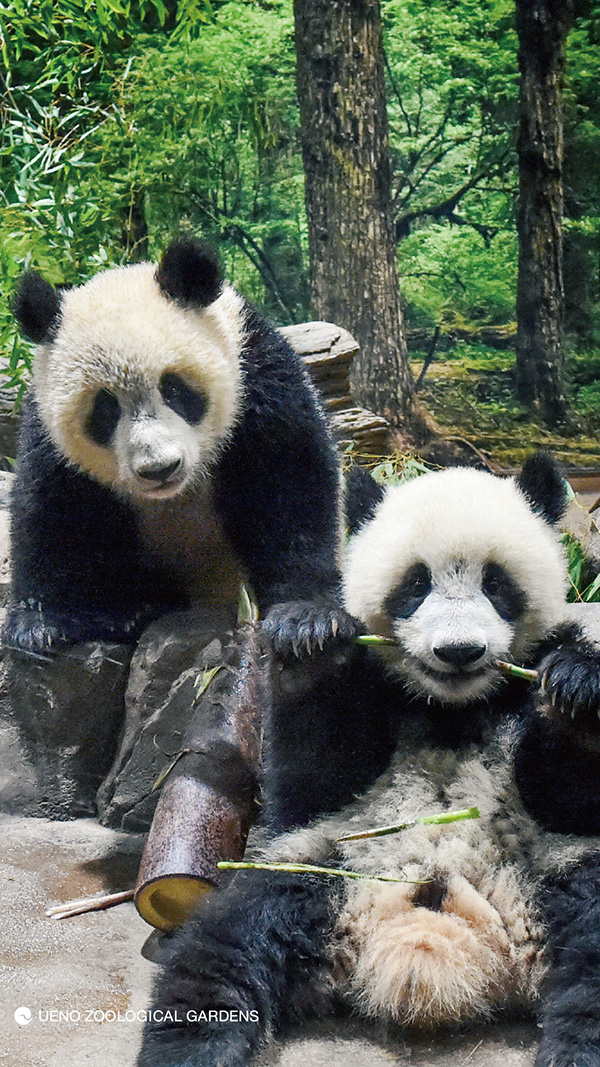 |
| Tap tap (for Kawakawa) | YuuYuu (for Kawakawa) | Xiang Xiang (for Kawakawa) | Left: Lei Lei, Right: Xiaoxiao (for Kawakawa) |
1080x1920
1080x1920
1080x1920
1080x1920
How to set wallpaper
For Windows users1. Click on your desired wallpaper size.
2. Right-click on the displayed image.
3. Select "Set as background" or "Set as wallpaper".
◎Reference
Change the background and colors of your Windows 10 desktop. (Microsoft Support)
For Macintosh users1. Click on your desired wallpaper size.
2. Save the displayed image by dragging and dropping it or by selecting "Save As".
3. [Apple Menu] → [System Preferences] → [Desktop & Screen Saver]
4. Click the [Desktop] tab and select the saved image.
For iPhone users1. Tap your desired wallpaper size (
Not an image (Please tap "Size Number")
2. Save the displayed image (long-press and select "Add to Photos")
Alternatively, you can select "Save Image" from the upward-pointing arrow menu at the bottom of the screen.
3. Open "Settings," tap "Wallpaper," and then tap "Choose a new wallpaper."
4. Choose from "Dynamic," "Still," "Live" photos, or your own photos.
5. Move the image and select the display options.
6. Drag the image to move it, or pinch to zoom in or out, and adjust it so that it fits on the screen.
7. Set the wallpaper and select where to display it.
◎Reference
Change your iPhone wallpaper (Apple Support)
◎Click here for details on the birthday celebration project for Giant Panda Xiao Xiao, Lei Lei, and Xiang Xiang.
・
"Towards a bright future! Pandas born in Ueno"
(June 7, 2022)